





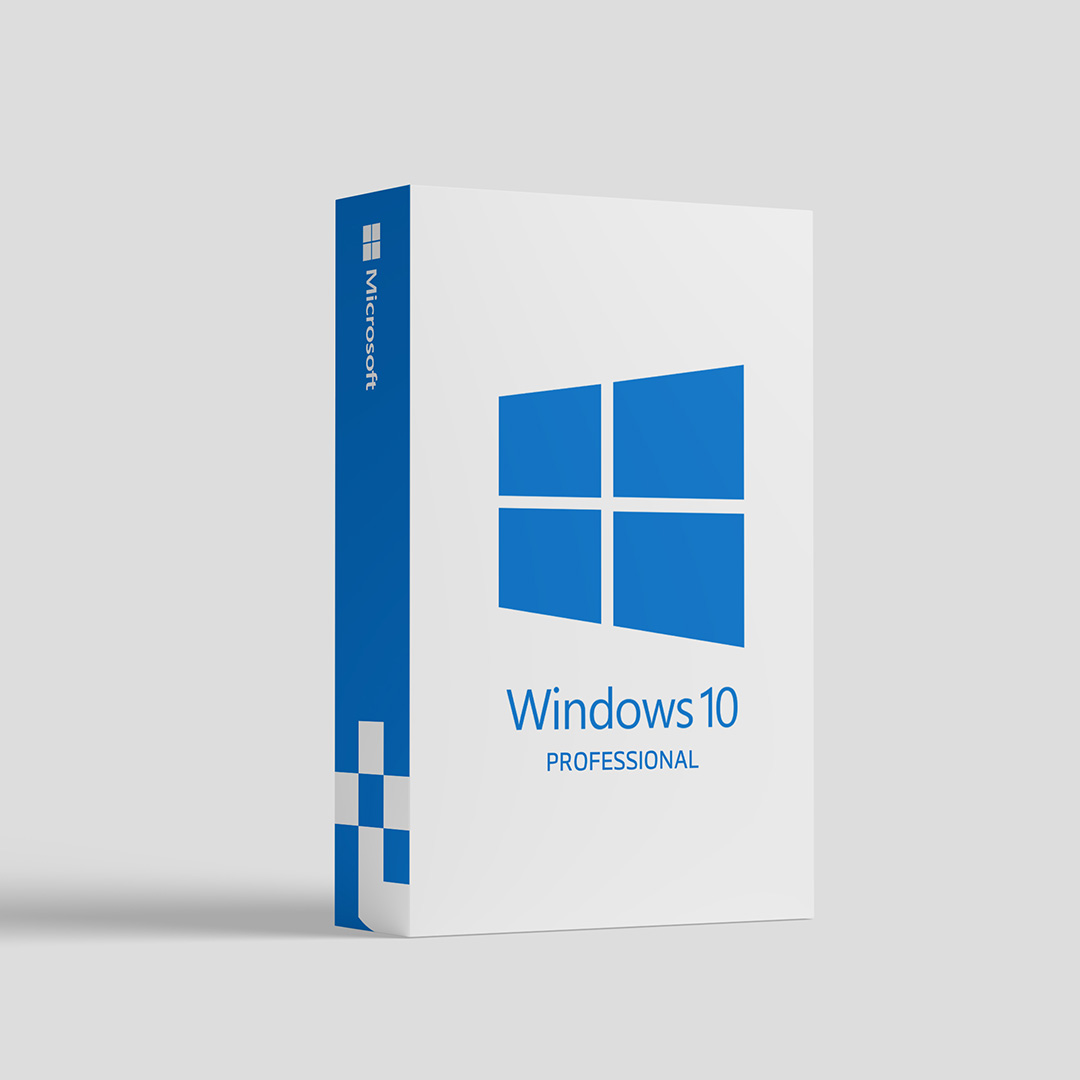
Windows 11 Professional Key 32/64-bit (1PC)
Original price was: 360.00 $.210.00 $Current price is: 210.00 $.
Windows 11 Pro: key features
- A new, refreshed interface and Widgets,
- Integrated Android apps support,
- Microsoft Team Integration,
- Convenient gaming solutions,
- Intuitive Snap layouts.
Why you should buy Windows 11 Pro:
- You want to get the latest major version of Windows.
- You enjoy the fresh designs and layout options.
- You wish to experience new video game options.
A new look
Windows 11 Pro will give your PC a new, refreshed look. The system is much familiar to Windows 10, but the redesigned interface gives it a fresh approach. Some ideas were inspired by Chrome OS, but if you feel the need, you can still place app icons in the background. The interface features rounded corners for all windows, as well as some slickness and consistency to its appearance.
Widgets
Explore all of the new features in the Widget panel. The news, weather, stock quotes, sports scores – that’s just a peek at what you may find there. An Entertainment widget will introduce you to the newest movies and TV shows, and a Family widget will get you quick access to parental control tools.
Snap layouts
Windows 11 offers you the new task view, showing multiple desktops with different backgrounds. Snap layouts are a convenient way of viewing and arranging windows on-screen with wider gaps. Feel free to separate your work apps and websites from the ones for personal usage. You can manage all your tasks easily.
Windows 11 Pro
Windows 11 Pro provides you with many business management and deployment tools. From the Assigned Access, Dynamic Provisioning, and Group Policy to Mobile Device Management and Support for Active Directory. If you are looking for an individual user version, you may rather be interested in Windows 11 Home.


Related products
Windows Server 2019 Datacenter Key
Windows Server 2019 Datacenter is a comprehensive server operating system designed to run the applications and infrastructure that power your business. It includes built-in layers of security and innovation to help you run traditional and cloud-native applications with confidence. This Server includes all roles including the graphical user interface
Windows Server 2019 Remote Desktop Services 10 user Key
Features:
- Remote Desktop Gateway
Enables authorized users to connect to virtual desktops, Remote-App programs, and session-based desktops over a private network or the Internet. - Remote Desktop Connection Broker
Allows users to reconnect to their existing virtual desktop, RemoteApp programs, and session-based desktops. It enables even load distribution across RD Session Host servers in a session collection or across pooled virtual desktops in a pooled virtual desktop collection and provides access to virtual desktops in a virtual desktop collection. - Remote Desktop Session Host
Enables a server to host RemoteApp programs as session-based desktops. Users can connect to RD Session Host servers in a session collection to run programs, save files, and use resources on those servers. Users can access Remote Desktop Session Host server by using the Remote Desktop Connection client or by using RemoteApp programs. - Remote Desktop Virtualization Host
Enables users to connect to virtual desktops by using RemoteApp and Desktop Connection. - Remote Desktop Web Access
Enables users to access RemoteApp and Desktop Connection through the Start Menu or through a web browser. RemoteApp and Desktop Connection provide users with a customized view of RemoteApp programs, session-based desktops, and virtual desktops. - Remote Desktop Licensing
Enables a server to manage RDS client access licenses (RDS CALs) that are required for each device or user to connect to a Remote Desktop Session Host server. RDS CALs are managed using the Remote Desktop Licensing Manager application.
Windows Server 2019 Standard MS Key
Windows Server 2019
Get the cloud-ready operating system today to apply another levels of security and innovation to the applications and infrastructure, that power your business. Support the workloads you run today, and make it easier to move to the cloud, when you're ready. Product Features Built-in security - Enhance security and reduce risk with multiple layers of protection, built into the operating system. Evolve your datacenter - Save money and gain flexibility with software-defined compute, storage, and networking technologies, inspired by Microsoft Azure. Innovate faster - Use improved technologies, such as Windows containers and Nano Server, for another ways to deploy and run on-premises and cloud-based apps.